 DriveSync
Which Pixel Phones Still Get Unlimited Google Photos Storage? A Model-by-Model Check
Short answer: the first Pixel from 2016 and every Pixel up to the Pixel 5 still back up photos and videos to Google Photos without using your storage. The Pixel 5a and everything after it do not. Only the first-generation Pixel keeps original quality for free; the rest get Storage saver, a compressed copy.
The questions people get stuck on are the ones around that: is a Pixel 4a (5G) covered, does an XL count, how do you tell a Pixel 5 from a 5a, and are your uploads really free. Here are the answers from Google's own help pages, re-checked on 27 November 2026.
What Google's help pages say
Two pages set the rules. About your Google Photos activity & storage says that with a Pixel 5 or earlier you get unlimited storage for photos and videos backed up from your device at no charge. Choose the backup quality of your photos & videos (open the Android tab) gives the detail per group of models:
| Phone | What Google says is free |
|---|---|
| Pixel (1st generation, 2016) | Unlimited in Original quality. You can't choose Storage saver on this phone |
| Pixel 2 | Backed up in Original quality on or before 16 January 2021: stays Original, free. After that date: saved in Storage saver, free |
| Pixel 3 | Backed up in Original quality on or before 31 January 2022: stays Original, free. After that date: saved in Storage saver, free |
| Pixel 3a to Pixel 5 | Storage saver is unlimited and free. Original quality uses your storage |
The Pixel 5a, the Pixel 6 and later models are not on either page, so backups from them count toward your Google storage like any other phone.
The variants Google doesn't name
Google writes "Pixel 3a-5" as a range. It does not list each model, and it never mentions the XL versions on its Photos pages. Here is how the in-between phones line up. The model names are the ones Google uses on its Pixel update page.
| Model | Where it sits | Named on the Photos page? |
|---|---|---|
| Pixel XL (2016) | Same generation as the first Pixel | No |
| Pixel 2 XL | Same generation as the Pixel 2 | No |
| Pixel 3 XL | Same generation as the Pixel 3 | No |
| Pixel 3a, Pixel 3a XL | Start of the "3a-5" range | Only as part of the range |
| Pixel 4, Pixel 4 XL, Pixel 4a | Inside the range | Only as part of the range |
| Pixel 4a (5G) | Inside the range; it came out in autumn 2020, the same season as the Pixel 5 | No |
| Pixel 5 | End of the range | Yes |
| Pixel 5a with 5G | After the range | No, and not covered |
Google's update page groups each XL with its smaller sibling ("Pixel 3 & Pixel 3 XL"), and owners generally treat them as the same case. Still, the Photos page doesn't say so in words. If you own one of the unnamed models, run the small test further down before you send it your whole library.
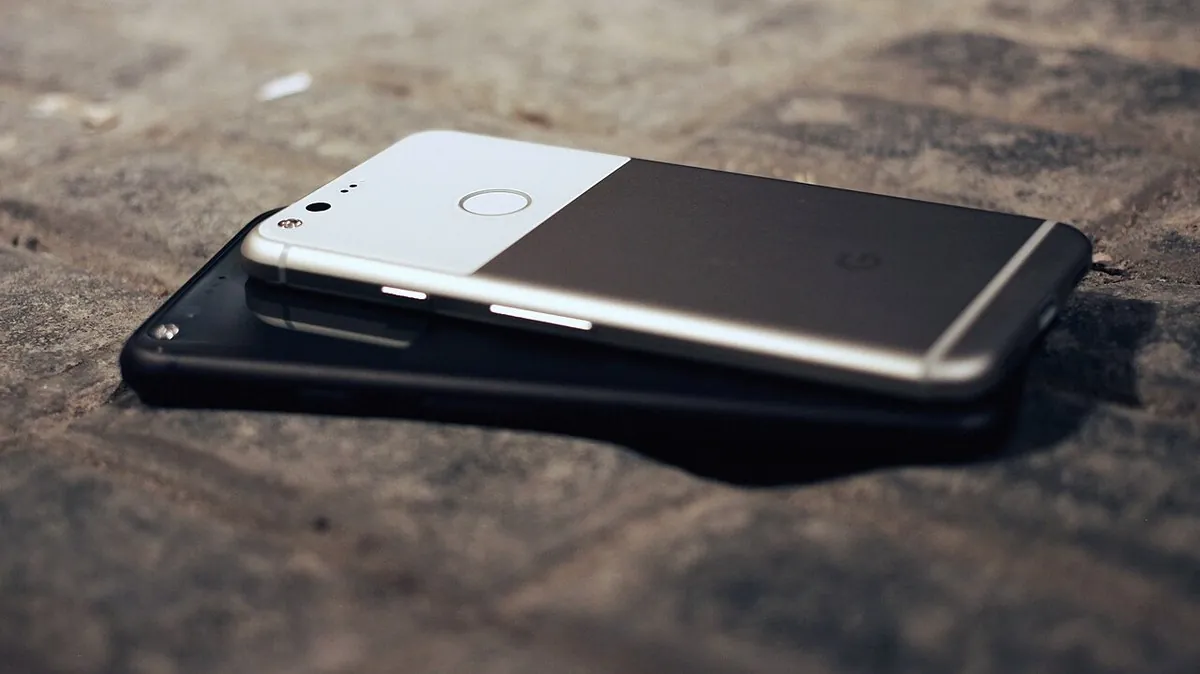
Maurizio Pesce from Milan, Italia, CC BY 2.0, Wikimedia Commons
Pixel 5, Pixel 5a, Pixel 4a (5G): the naming trap
The confusing part is "5G". The Pixel 4a (5G) is a 2020 phone inside Google's range. The Pixel 5a is sold as "Pixel 5a with 5G" and is a 2021 phone outside it. A listing that says "Pixel 5a 5G" is the one that does not come with free backup, even though it sounds newer and better.
For a vague second-hand listing ("Pixel 5 series", "Pixel 4a/5"), ask for a screenshot of the model name before you buy.
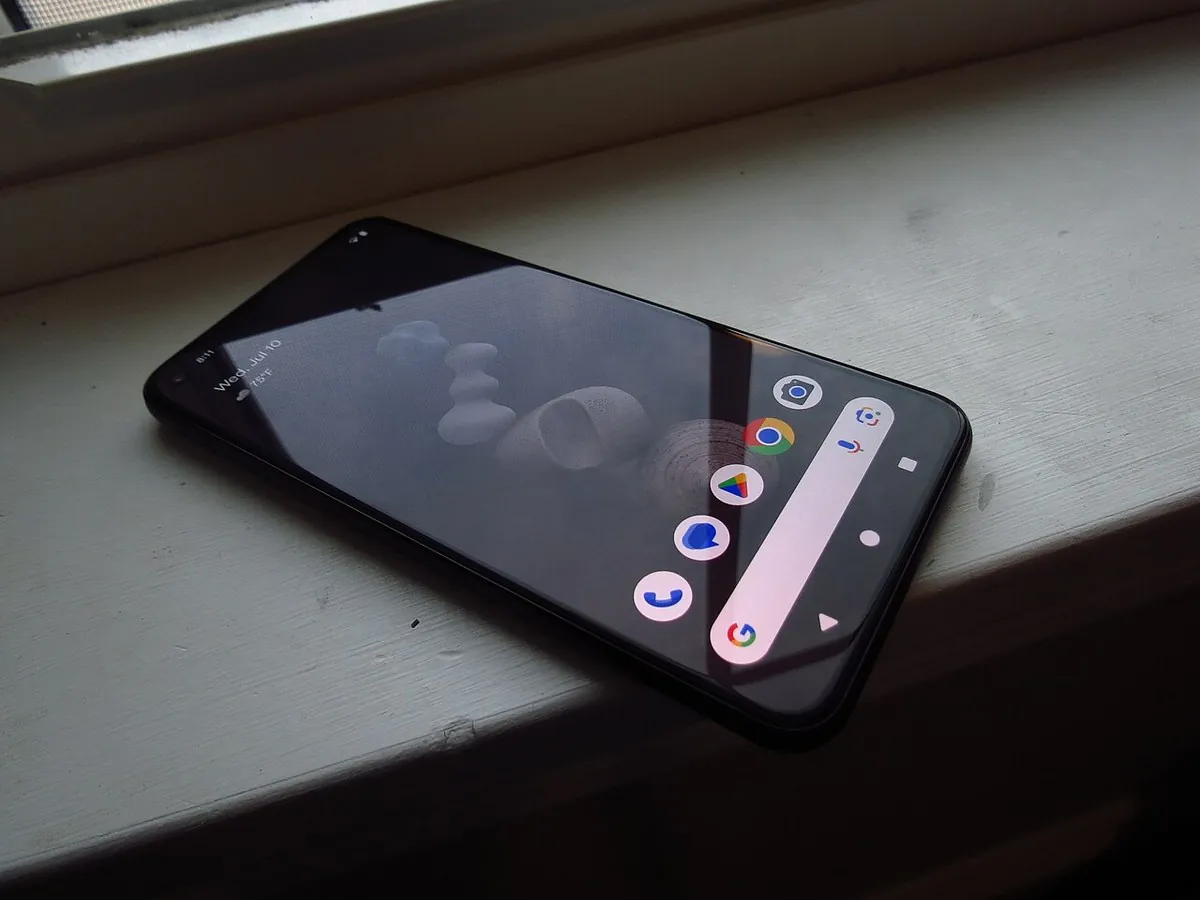
ShadowRobotnikULF, CC BY-SA 4.0, Wikimedia Commons
How to tell which Pixel you have
- Open Settings on the phone and tap About phone.
- Look at Model. Ignore Device name: that is a label the owner can change, so a phone named "Pixel 5" can be anything.
- If the phone won't turn on, the model is printed on the box.
There is no switch to turn on
People look for an "unlimited" toggle. There isn't one. On a qualifying Pixel the free backup applies to what that phone backs up, as long as two things are set in Google Photos on the Pixel:
- Backup is on. Tap your profile picture, then Google Photos settings, Backup.
- The quality matches your model. On the same screen, under Photos & videos quality, a Pixel 3a to 5 should be on Storage saver. If it is on Original quality, those backups use your storage. A first-generation Pixel only offers Original quality, which is the free option there.
Google notes that you can't change the quality once you're out of storage, so set this before your account fills up.
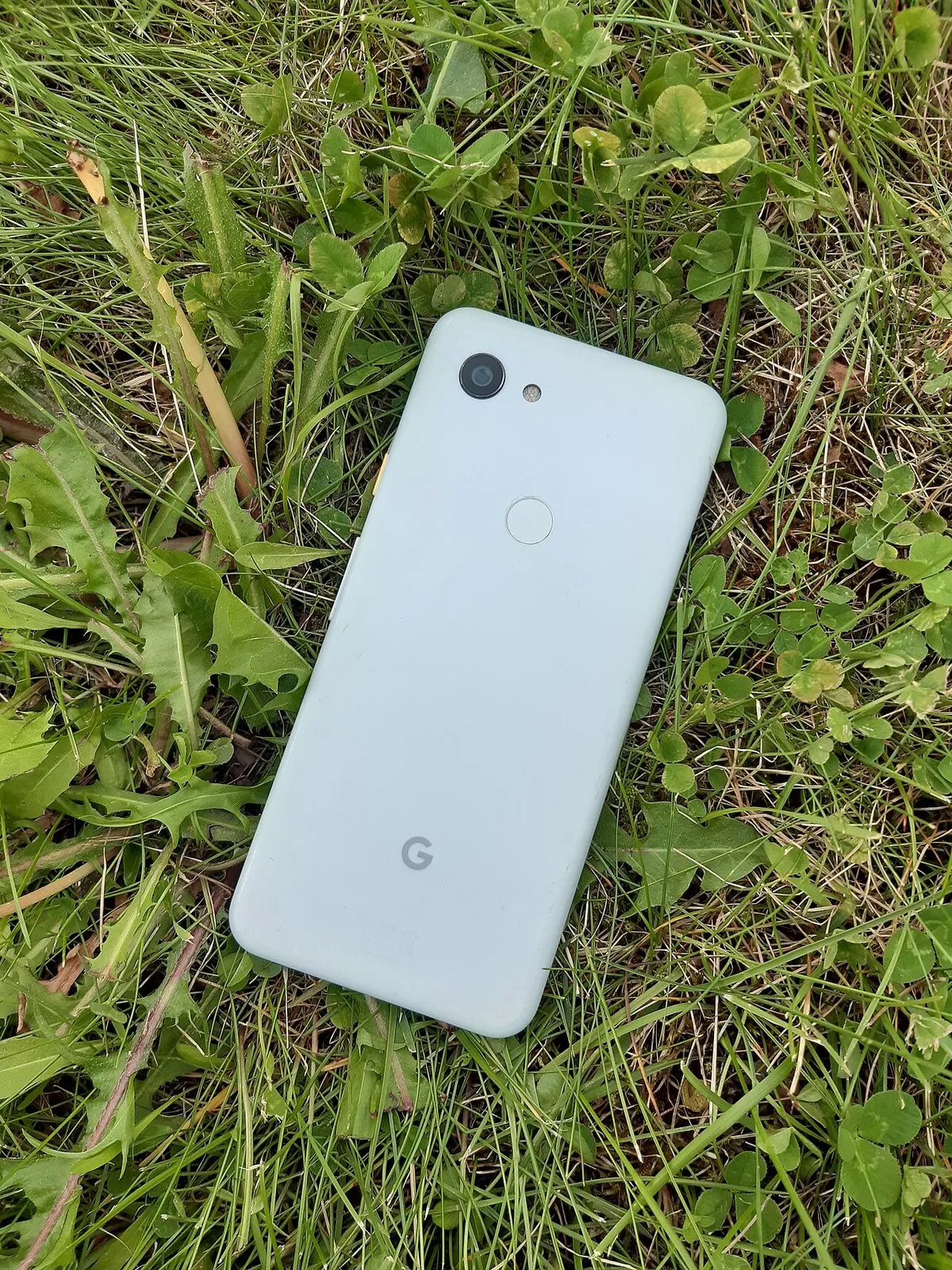
Divourie, CC BY 4.0, Wikimedia Commons
How to check that your backups really are free
Google's wording is photos "backed up from your device". It does not say whether photos taken on another phone and copied onto the Pixel count the same way, so check your own account:
- In Google Photos, tap your profile picture and open Manage storage. This opens the Google One storage manager.
- Tap Usage details and write down how much Google Photos is using.
- Back up a small batch through the Pixel, a few hundred photos.
- Check the figure again a day later. If it hasn't gone up, the batch was free.
If you plan to feed the Pixel with photos from your main phone or a cloud, run this test with exactly those photos.
Buying a used Pixel for this
- Check the model in About phone, as above.
- Make sure the seller removed their Google Account. Google's device protection page says that after a factory reset you won't be able to use the phone at all if you can't sign in with an account that was on it before.
- Expect no updates. Every model on the list, from the Pixel 1 to the Pixel 5a, no longer gets Android or security updates, according to Google's update page. Use it as an upload box on your home Wi-Fi, not as your everyday phone.
- Look at the battery. It will sit on a charger a lot, and old batteries can swell. No SIM card is needed.
Where to go from here
Remember that on every model except the first Pixel the free copy is Storage saver: Google resizes photos over 16 MP to 16 MP and videos above 1080p to 1080p. If the originals matter, keep them on a computer or a drive as well.
If this method is new to you, our beginner's guide explains the whole setup: how to get photos from your main phone onto the Pixel, and what can go wrong.
If your photos are sitting in OneDrive, our OneDrive guide walks through moving them onto the Pixel by hand or with DriveSync, the Android app we make for that step. It saves photos straight into DCIM/Camera, the folder Google Photos backs up on its own.
DriveSync is an independent app and is not affiliated with or endorsed by Google or Microsoft.
More guides
- Free Google Photos Storage for Life: The Old Pixel Trick Google Still AllowsGoogle storage full? An old Pixel still backs up your photos to Google Photos free and unlimited, with no end date. Here's the trick and how to set it up.
- How to Move OneDrive Photos to Google Photos With an Old PixelWhich older Pixels still back up to Google Photos for free, what Storage saver does to your photos, and how to move a full OneDrive onto the phone.