DriveSync

OPTIMIZED FOR GOOGLE PHOTOS BACKUP ON PIXEL PHONES

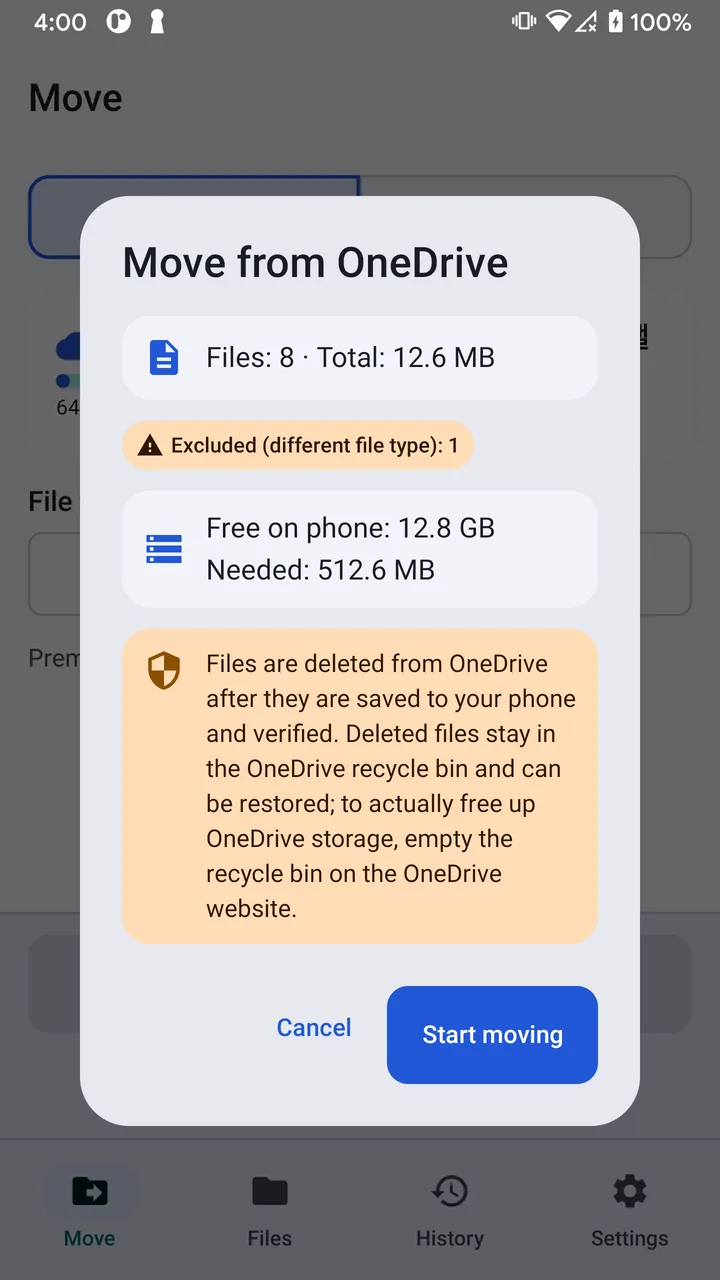
Move your OneDrive photos onto your Pixel.

Using an older Pixel for its unlimited Google Photos backup? DriveSync moves the photos and videos piled up in your OneDrive onto that Pixel and gives the OneDrive space back.

Get it on Google Play
Screenshot

How it works

  1. 1

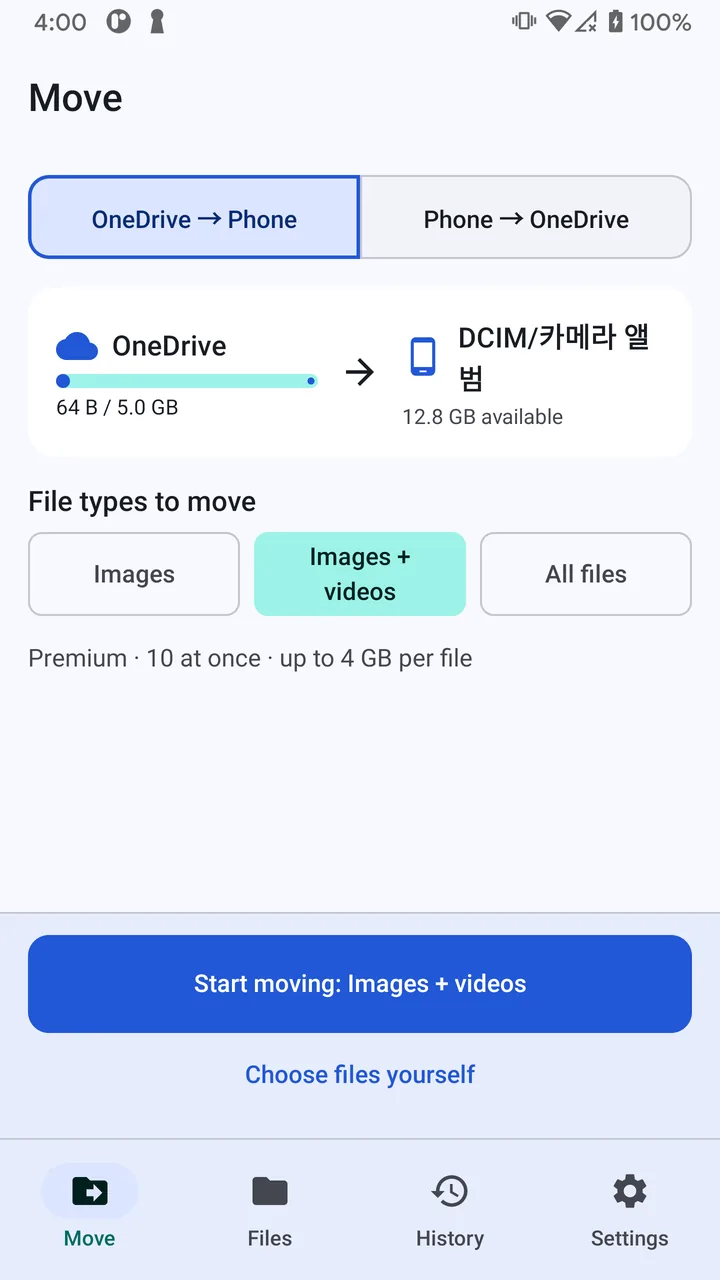
    Photos and videos are saved straight into DCIM/Camera, the folder Google Photos backs up with no extra setup. No folder to pick, no subfolders to switch on.

  2. 2

    Files arrive in original quality, byte for byte. Each one is verified before the OneDrive copy is removed.

  3. 3

    Once Google Photos has backed them up, clear them from the phone and carry on with the next batch.

Unlimited backup depends on your Pixel model (Pixel 5 and earlier) and on Google's terms. DriveSync works on any phone with Android 8 or later; saving to DCIM/Camera without picking a folder needs Android 10 or later.

BOTH DIRECTIONS

→

OneDrive → Phone

make room in the cloud.

→

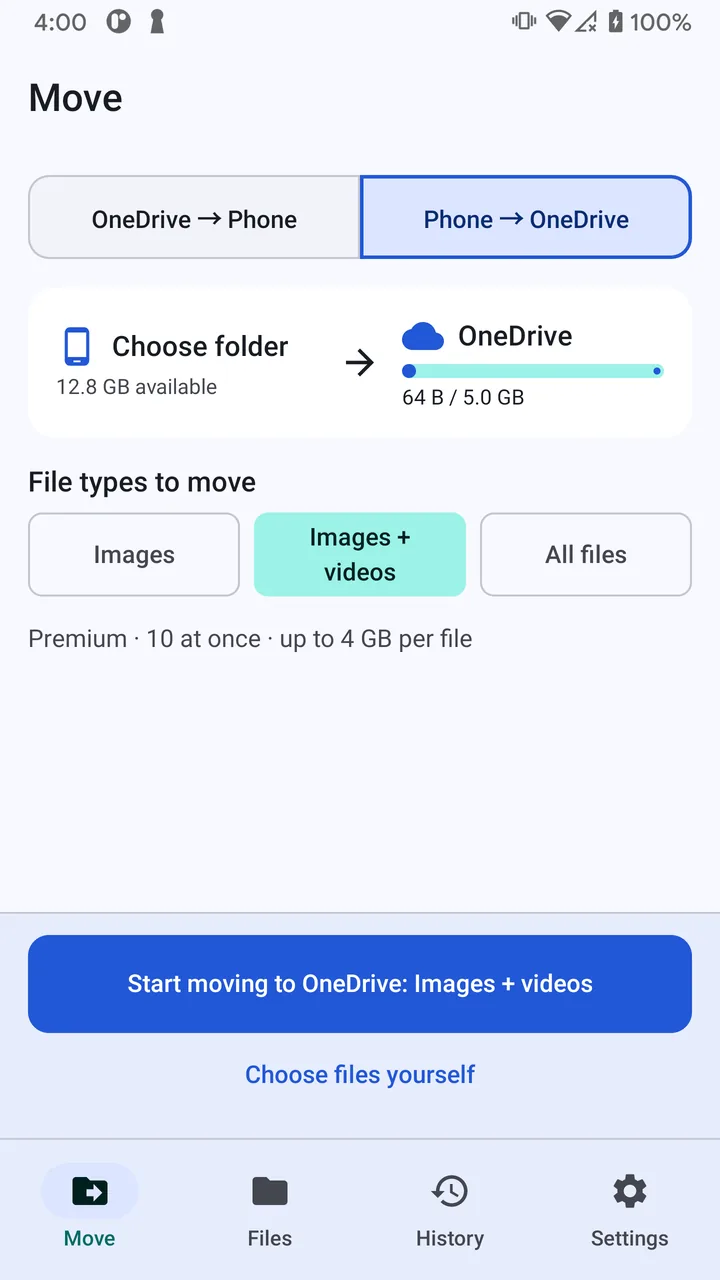
Phone → OneDrive

make room on the phone. Choose a phone folder and its files are uploaded, verified and then removed from the phone.

SAFE BY DESIGN

  • Every file is copied first and verified (size and hash). The original is deleted only after the copy checks out.
  • Files removed from OneDrive go to the OneDrive recycle bin, so they can still be restored there.
  • Your files travel directly between your phone and Microsoft. There is no DriveSync server and no account to create.
MOVE EVERYTHING AT ONCE

  • One tap moves all images, images + videos, or all files from your whole OneDrive.
  • Prefer your own folder? Choose any folder and your OneDrive folder structure is kept inside it.
  • Or pick individual files and folders yourself.

SEE WHAT IS GOING ON

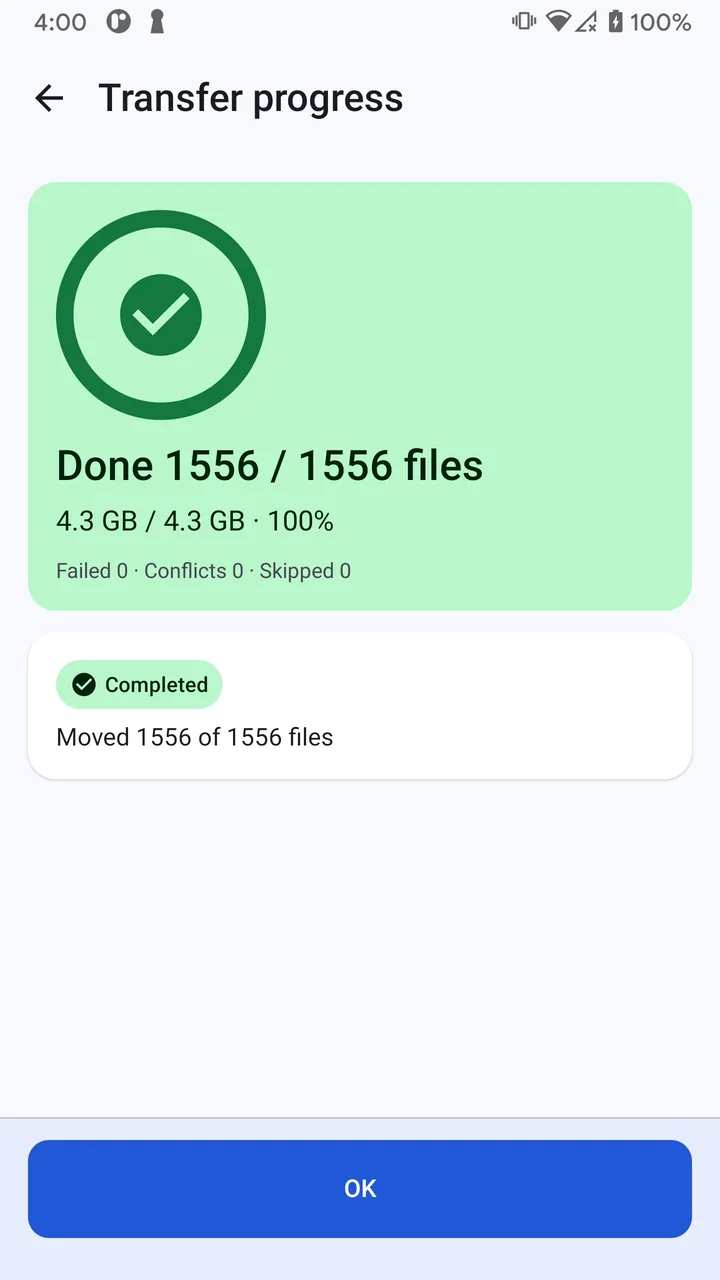
  • Live progress with speed and time left; transfers keep running in the background.
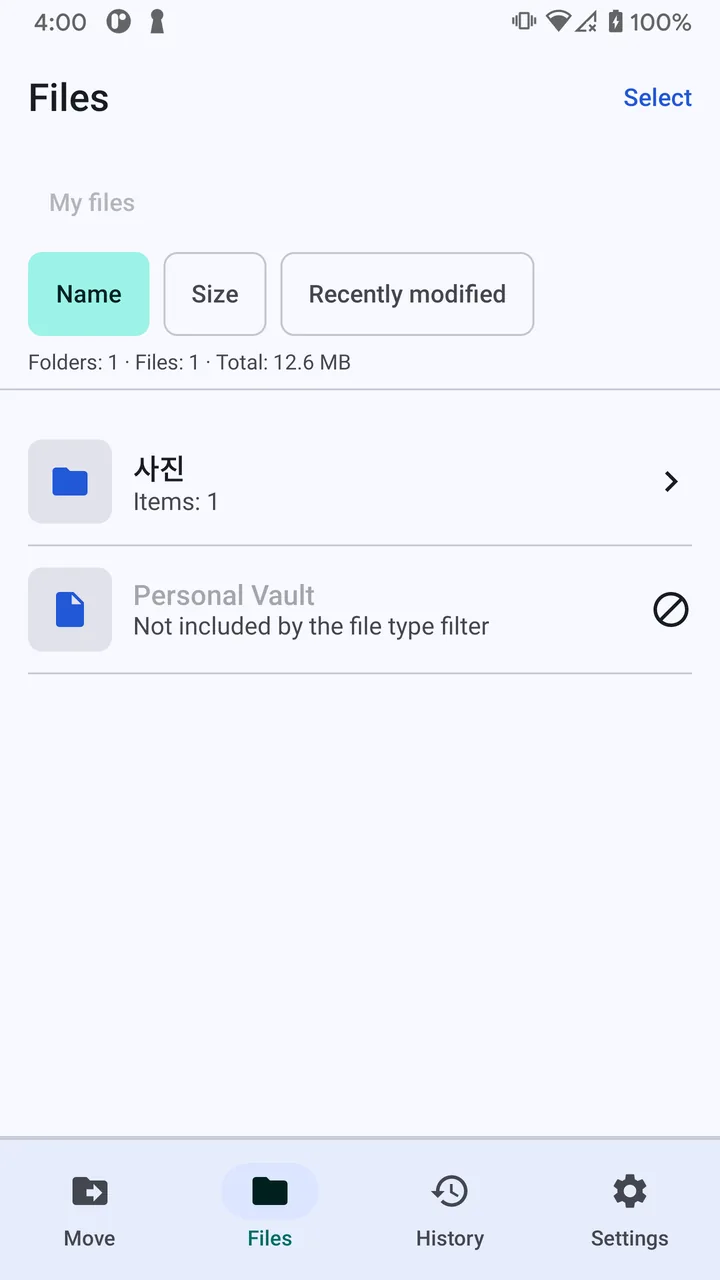
  • Transfer history with the state of every file, retry for failed items, and thumbnails for photos still on your phone.
  • A read-only OneDrive explorer with thumbnails so you can see what is using your storage.

TRY IT FIRST

  • Explore the whole app with sample files before you sign in.

Inside the app

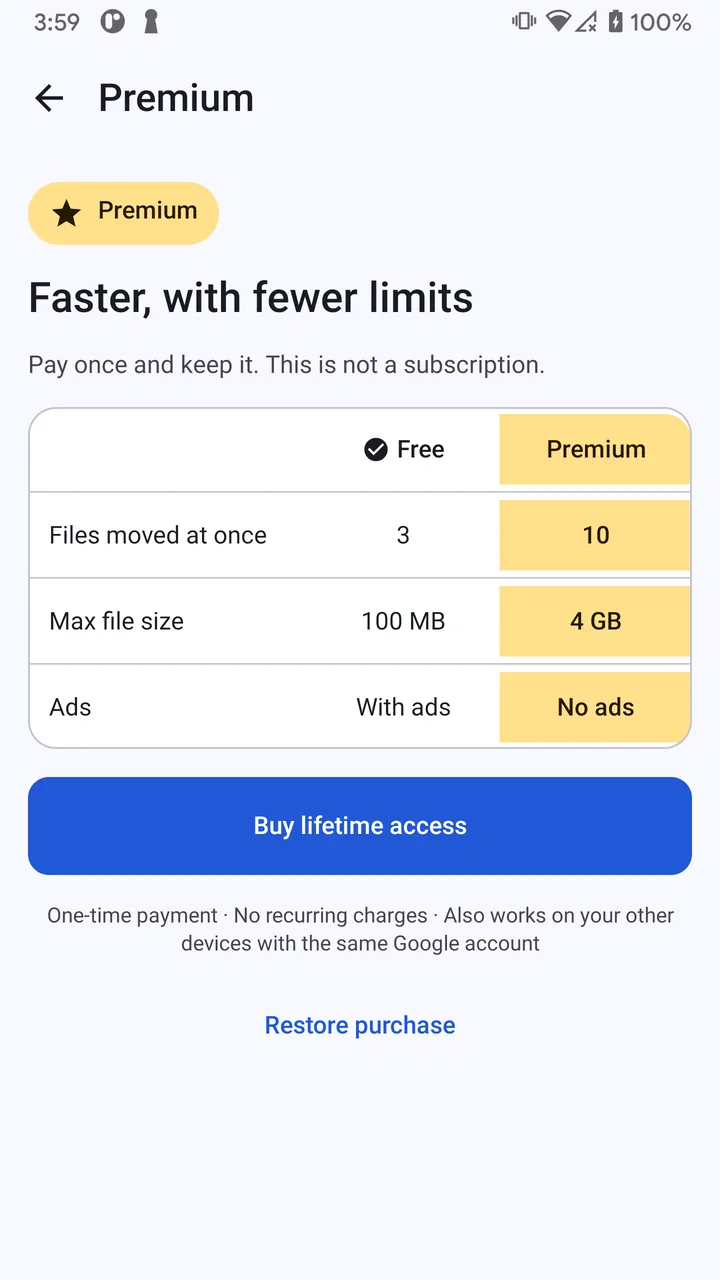
TWO PLANS, NO SURPRISES

Free

  • 3 files at once
  • up to 100 MB per file
  • with ads

Premium

one-time purchase, not a subscription

  • 10 files at once
  • up to 4 GB per file
  • no ads

DriveSync: OneDrive to Phone

Move OneDrive photos to your Pixel, ready for Google Photos backup. Verified.

Get it on Google Play