 Crypto AOD
Always On Display & lock screen
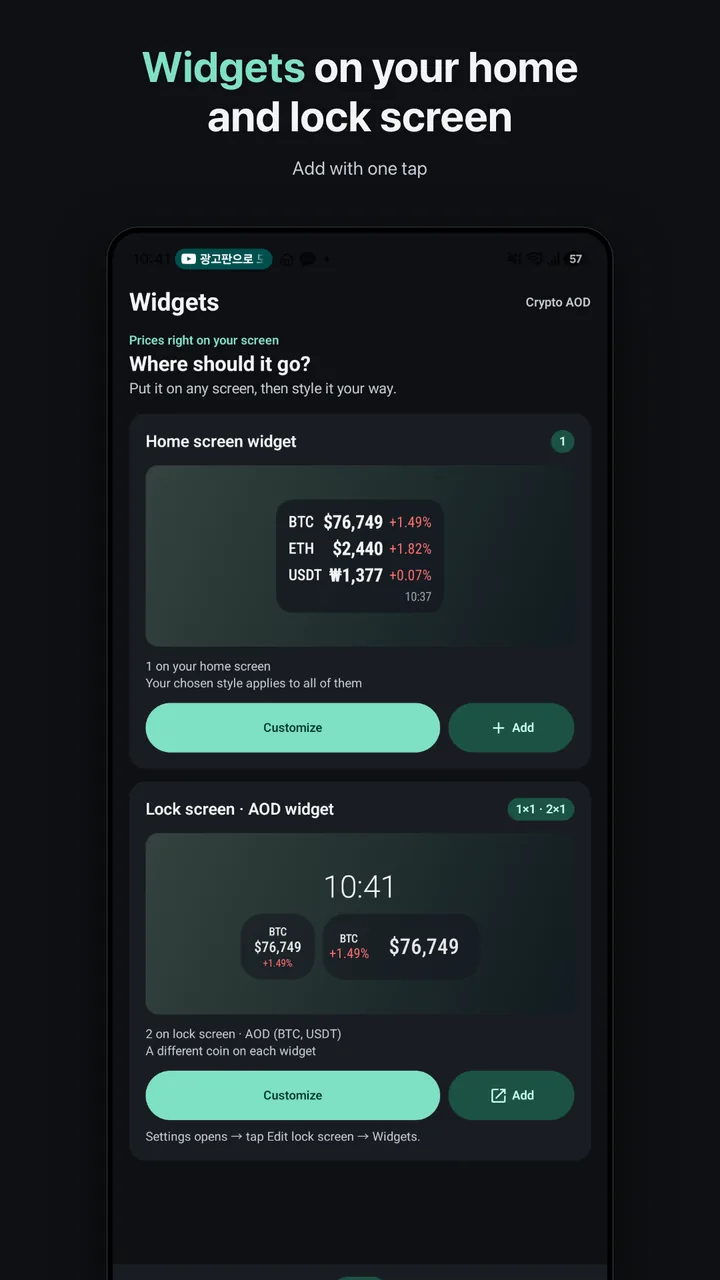
- 1×1 and 2×1 widgets, one coin each
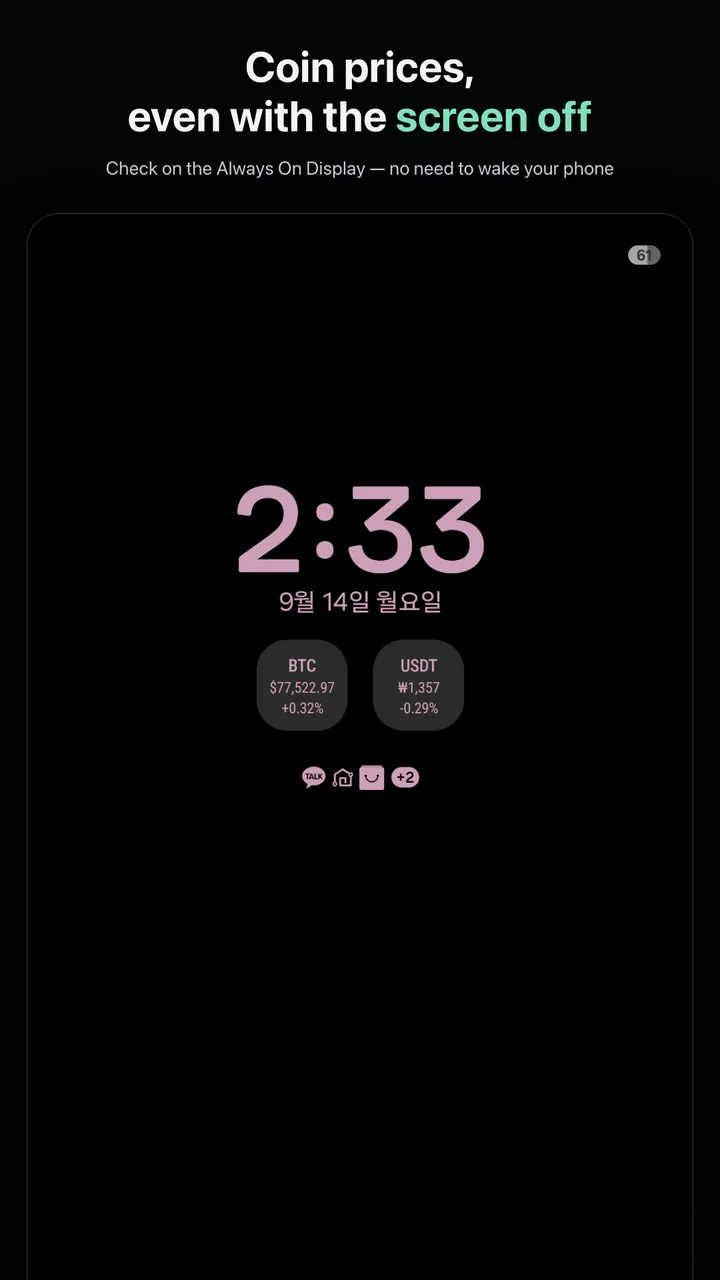
- Keeps refreshing while the screen is off
- Shows the last price and time if a refresh fails
For Galaxy phones
Check Bitcoin, Ethereum and more with a glance, even with the screen off. No unlocking, no opening an app.
Add coins: pick one of 7 exchanges and search by name or symbol.
Put a widget on the lock screen and Always On Display (Settings → Lock screen and AOD → Edit lock screen → Widgets) or on the home screen.
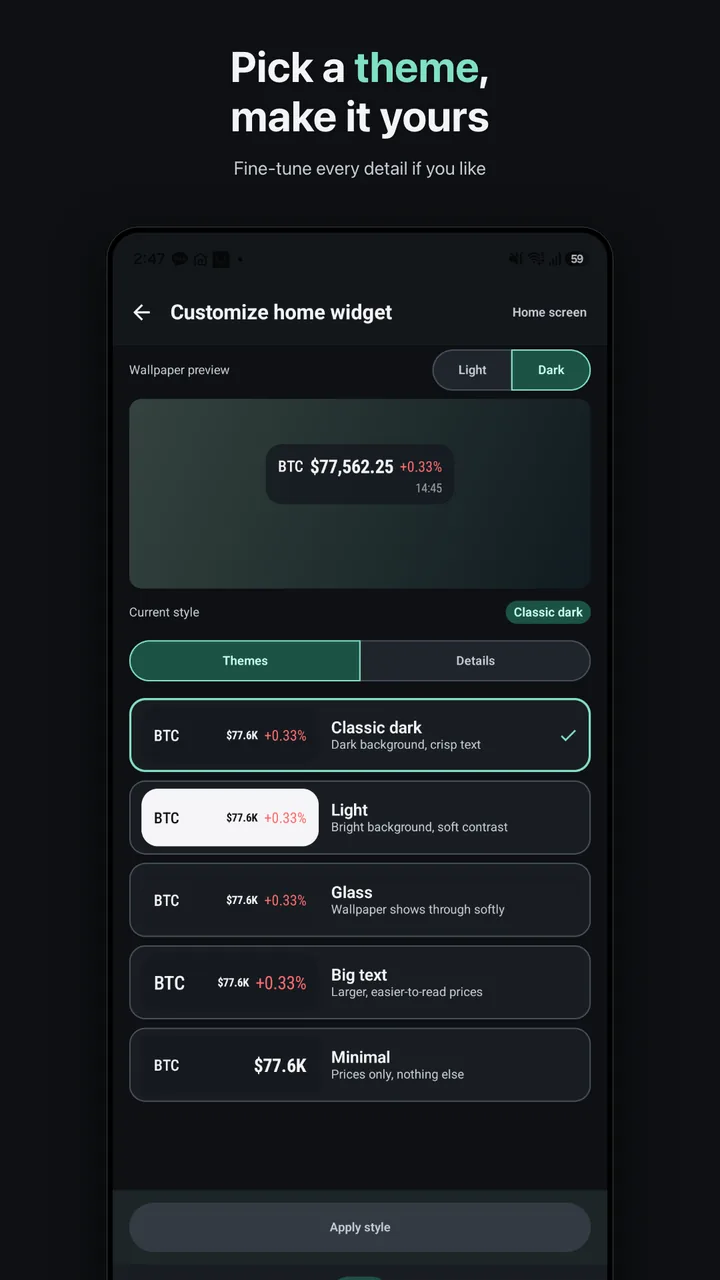
Choose how often prices refresh: every 1, 5 or 15 minutes. Tap a widget to refresh right away.
Lock screen and AOD widgets need a Galaxy phone with One UI 7 or later. On other Android phones only the home screen widget works.
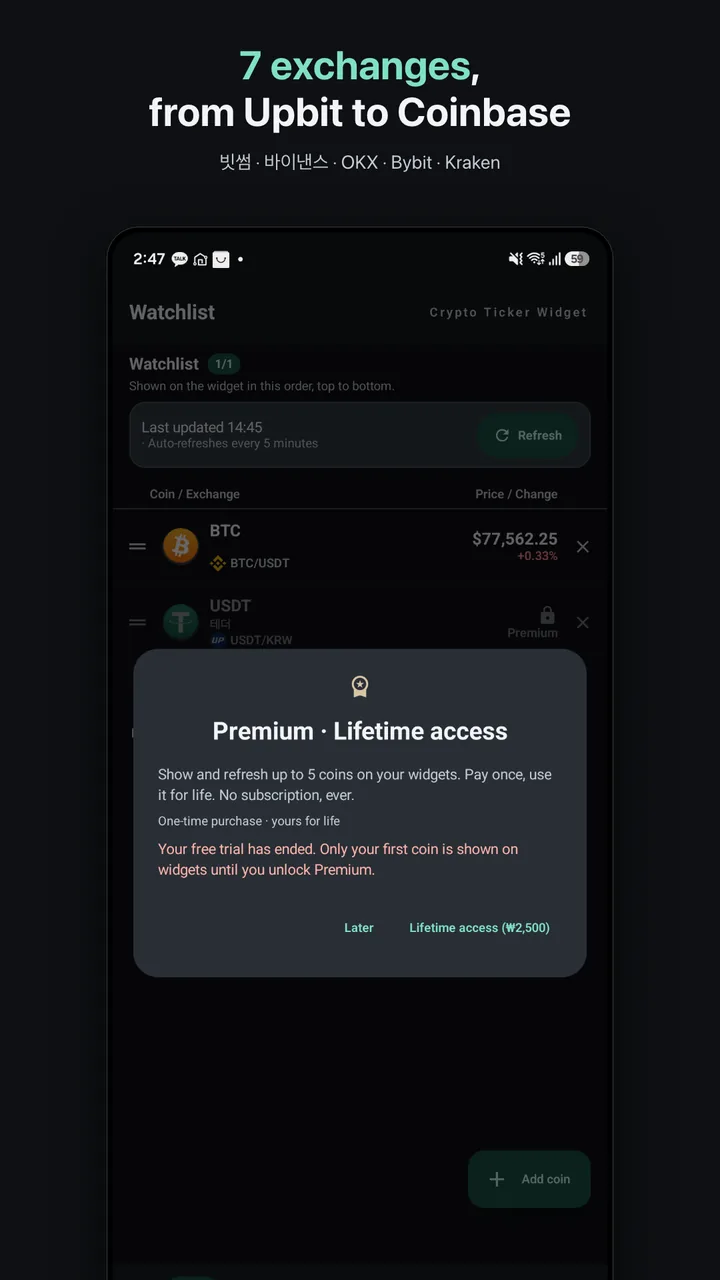
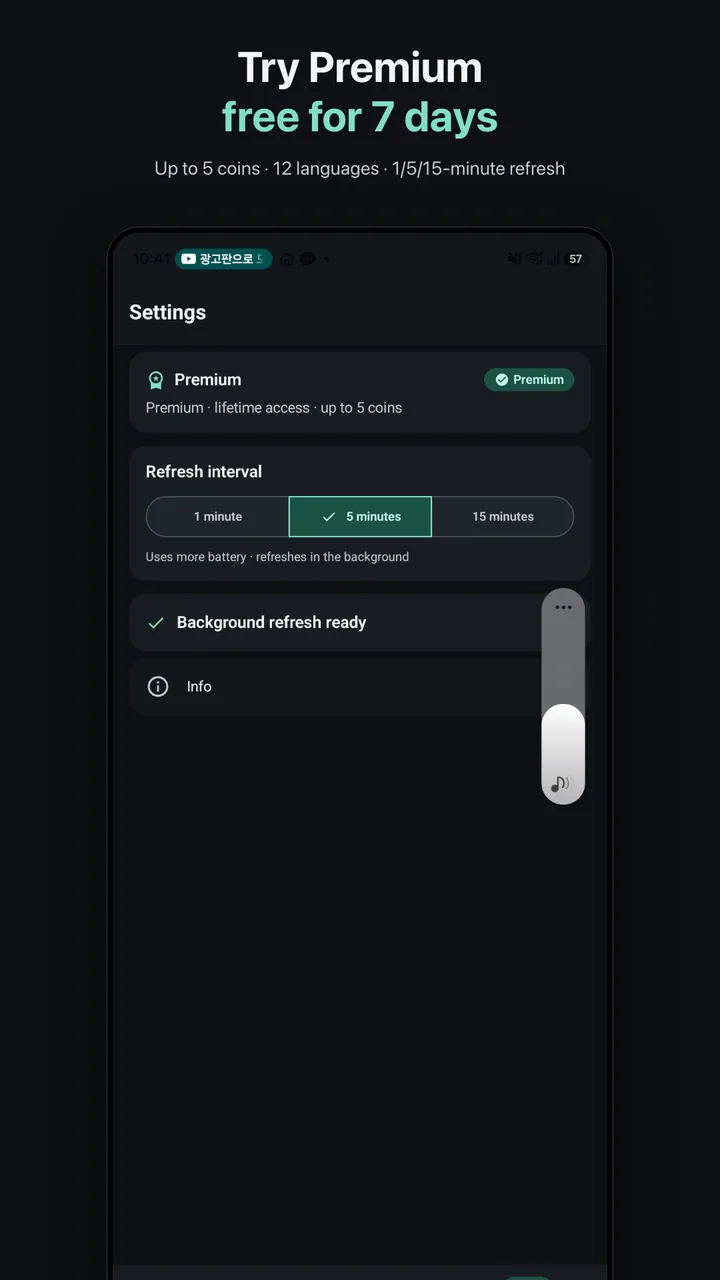
One-time purchase, no subscription

Coin prices you see even with the screen off: lock screen, AOD and home widgets.